
Click, Connect, Resolve, and Grow
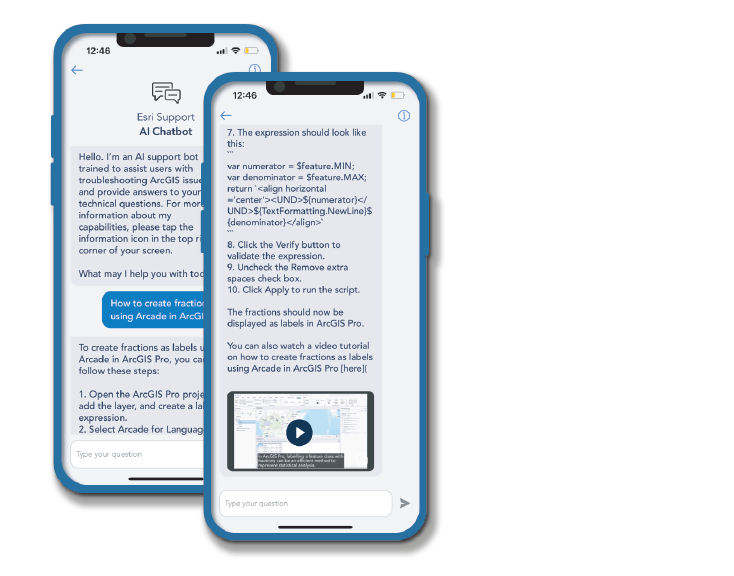
The Power of My Esri & Esri Support App
December 18, 2025 | 11 am IST onwards
Overview
Today, every second matters — whether you are troubleshooting an issue, managing your licenses, or accessing critical downloads. My Esri and the Esri Support App put the entire Esri ecosystem right at your fingertips. Let’s explore how a simple click can help you connect with support, resolve issues faster, and grow your GIS capabilities.
Key Takeaways
- Sign in and get access to My Esri
- Understand how to get help
- Use My Esri to download Esri software
- How to raise a technical support request
- How to access the Esri Support App
- Access E-learning
- Log Bug and Enhancement
Who Should Attend?
- GIS Administrators and Users who want to efficiently manage downloads for organization users through My Esri.
- Technical Support Contacts who wish to streamline case management, track case updates, and improve self-service support using the Esri Support App.
- Students and Professionals are looking to upskill their knowledge in Esri account management, support workflows, and best practices.
- Anyone using ArcGIS Products who wants to leverage My Esri’s self-service capabilities, such as accessing resources, downloads, documentation, and training materials.
- Organizations that aim to enhance productivity by empowering their teams to independently troubleshoot, learn, and access Esri support tools.